

 +447464132630



A Beginner’s Guide to Audio in Content Creation
Sep 26,2025 | Pinknoisesystems
When people think about creating content, whether it’s YouTube videos, podcasts, or social media clips, the focus often goes straight to visuals. But here’s the truth: bad audio will make your audience click away faster than bad video. Sound is half the experience, and understanding the basics of audio can instantly elevate the quality of your content.
In this guide, we’ll break down the fundamentals so you can start creating content that not only looks good but sounds great.
Why Does Audio Matter?
- Your first impression counts. People are more forgiving of grainy video than they are of crackling or muffled sound.
- Audio sets the mood. Use music, tone, and clarity to influence how your message is received.
- Accessibility & professionalism. Clear sound makes your content easier to follow and gives it a polished feel.
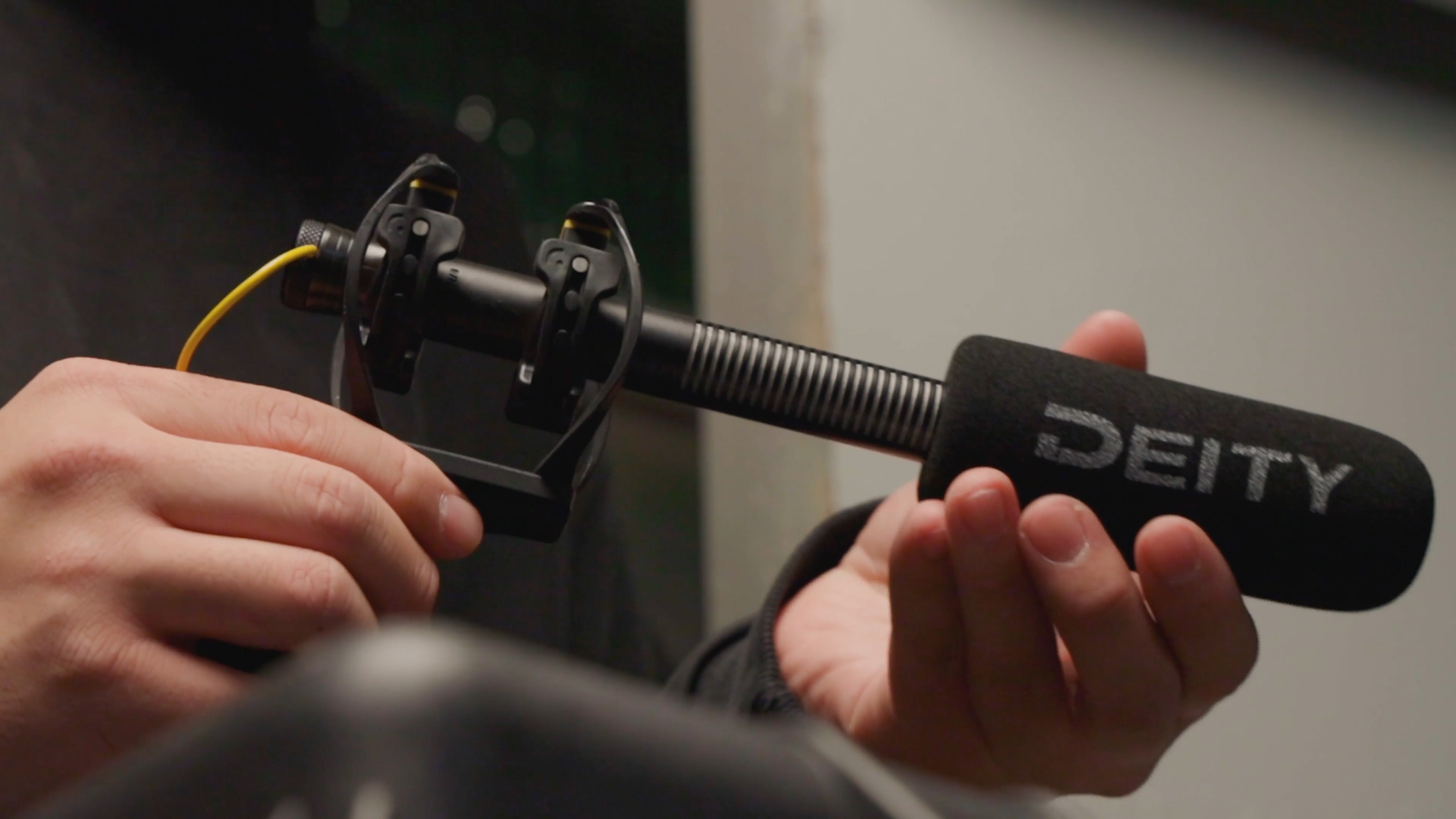
Deity S-Mic 3 Shotgun Microphone
1. Microphones
Not all mics are created equal, even a budget microphone is a significant step up from your phone microphone. Here are the main types beginners should know:
- Built-in microphones (phones, cameras) – Convenient but usually poor quality.
- USB microphones – a typical Plug-and-play mic, great for podcasting and streaming.
- XLR microphones – Professional grade, used in studios; require an audio interface.
- Lavalier mics – Small clip-on mics, perfect for interviews or vlogs.
- Shotgun mics – Directional mics that capture clear audio from in front of the camera.
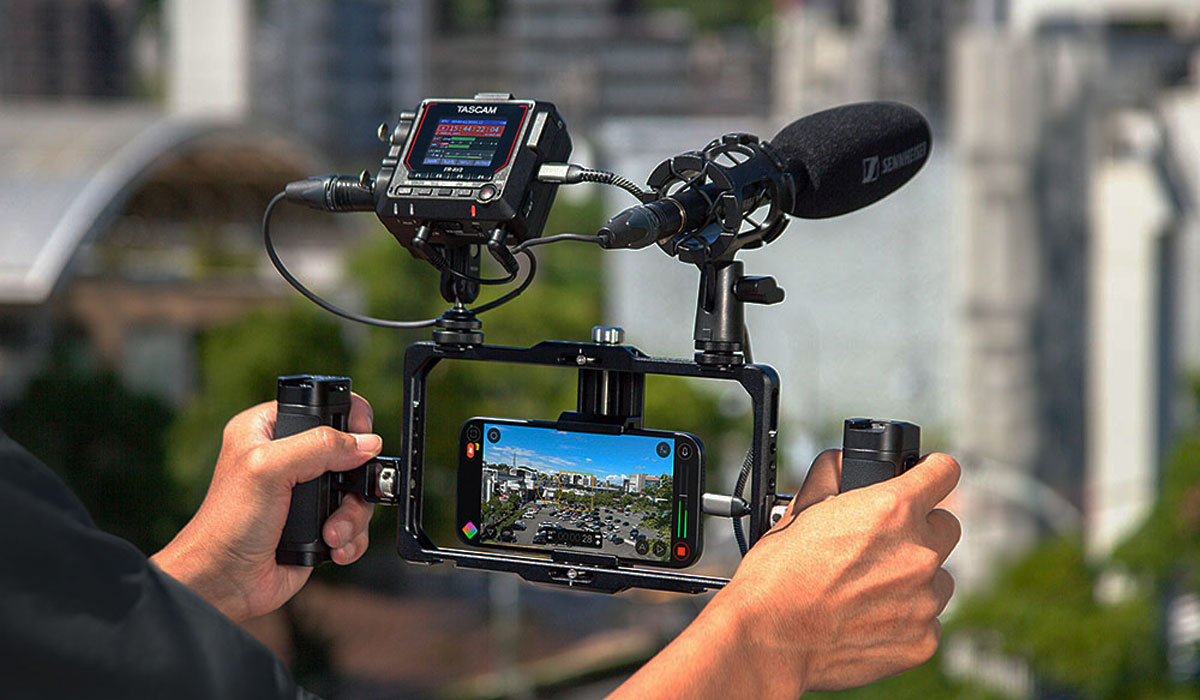
Tascam FR-AV2 Compact 32-bit Float Field Recorder
2. Audio Recorder
How you record your audio will have an impact on your content and also change your workflow. If you record straight into your camera or phone, then you don't need to sync your audio to your video, but the preamps won't record your audio as clean as an independent audio recorder or mixer.
- Camera - Most cameras will have a TRS 3.5mm audio input for microphones; some higher-end cameras will have XLR and be able to supply phantom power.
- Phones - Phones with a TRS 3.5mm jack can plug a microphone in, or microphones or wireless microphones can be plugged into the USB-C or Lightning connector.
- Audio Recorders - The best way to record your audio. Audio recorders are very flexible, and there is a range of types to support content creation of every type.
- Mixers - Typically used for podcasts or streaming, often used to capture clean audio and then output to a computer to record. Most have a range of additional features perfect for podcasting or streaming.
Tip: Use a timecode unit to sync your audio to your video easily if using an audio recorder.
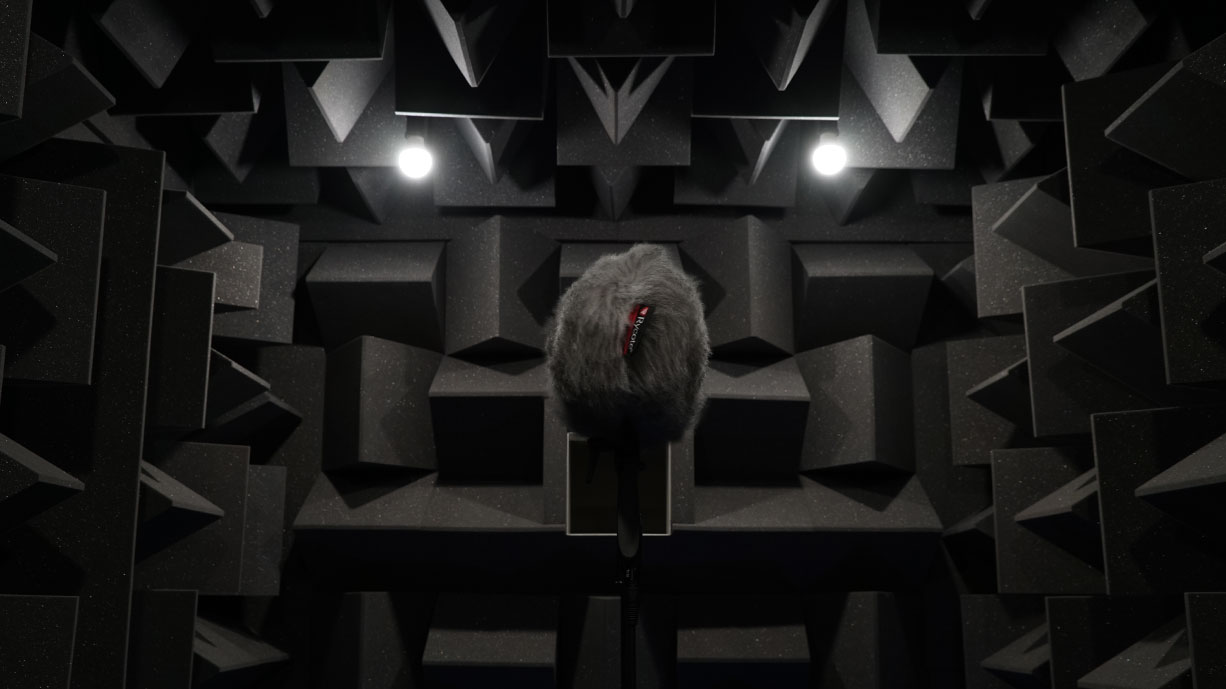
Rycotes Anechoic Chamber
3. Recording Environment
Great audio isn’t just about the mic; it’s also about the room. Making sure you're in a quiet location when recording a podcast or have the correct microphone when recording a video will save time in the edit and sometimes the whole project. Here are some tips on what to listen out for when choosing a location.
- Choose a quiet space with minimal background noise.
- Avoid hard, echoey rooms. Soft furnishings (curtains, rugs, cushions) help absorb sound.
- Turn off fans, AC, or other noisy electronics when recording.
Tip: If outside, use a windshield on your microphone to block wind noise.
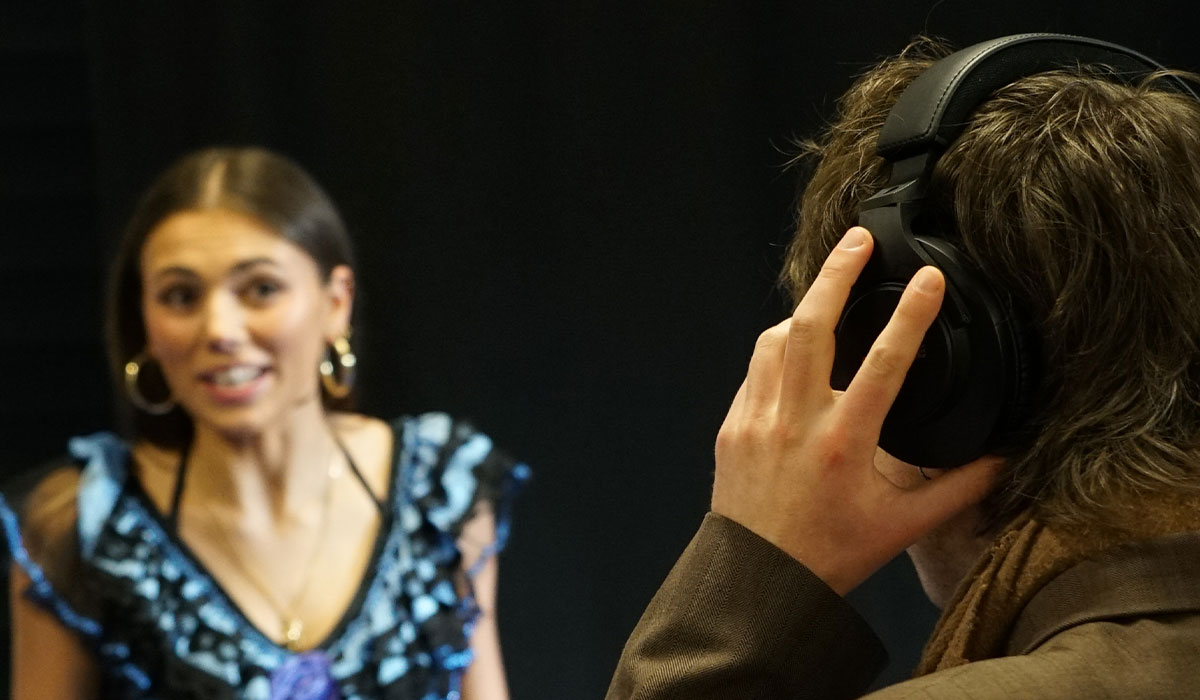
Pinknoise Systems University Event
4. Monitoring & Levels
Knowing what you're recording is key. You wouldn't record a video without knowing what you're capturing. A few key things to remember when recording your audio:
- Use headphones while recording so you can hear issues in real time. Headphones will also help block out your surroundings and help you focus on what the microphone is recording.
- Watch your audio levels: too quiet and your audience will strain, too loud and it distorts. Aim for peaks around -6dB to -3dB on your recording software.
- Record in 32-bit float - This can help save your audio from peaking whilst recording and enable you to bring down the peaks in the edit.
Tip: Use headphones without any bass boost.
"So what kit should I buy?"
You might be asking, well, what now? The answer depends on two things. What are you planning to create, and what is your budget?
The microphones used for recording a podcast are very different from those used for video, and the same can be said for a lot of audio recording equipment. If you are struggling to find the equipment you need, we have a dedicated sales team that will be able to help you find the perfect equipment for you.